Wii · 2007
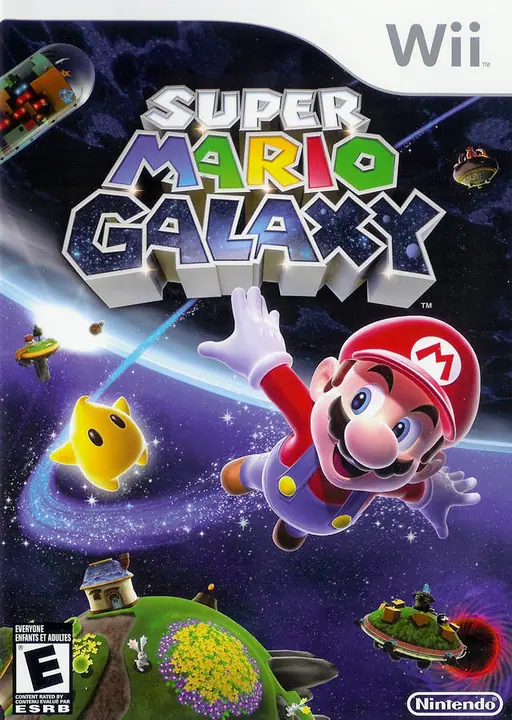
PC 上用哪個模擬器執行《超級瑪利歐銀河》?
當 Switch 瑪利歐沒有官方模擬器時,人們會找到這款 Wii 瑪利歐。指標是遊戲的一部分,滑鼠可以代替。
從 Dolphin 開始。這是一條基線,不是幀率承諾。
Dolphin runs Super Mario Galaxy on a light PC. Map the pointer to a mouse, or use a Wii remote you already own, before you judge the frame pacing.
已知問題
- The pointer is part of the game. Keyboard-only play feels worse than the emulator’s actual performance.
- If an effect flashes, change Dolphin’s graphics backend before you raise the internal resolution.
操作與存檔
Mouse for the pointer and a gamepad for movement is the usual PC layout.
Keep the in-game save. Save states are a convenience between emulator versions, not the archive.
相關遊戲
接著讀
How to read a compatibility note
What playable, issues, experimental, and no-official-emulator actually mean, and why this site skips frame rates.
Download the emulator, not a pack
How to leave EmuAtlas for an official build, and which download pages to close.
Controllers, pointer controls, and saves
Map a normal gamepad, deal with Wii pointers, and keep an in-game save you can actually trust.
Make it smoother without a parts list
Resolution, shader stutter, CPUs, and the order to change settings so you can tell what helped.