Dreamcast · 1998
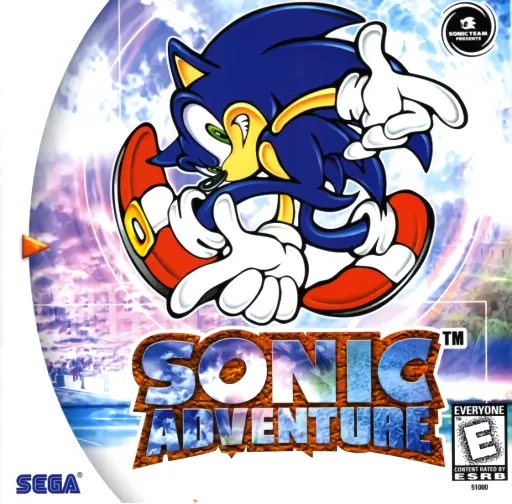
PC 上用哪个模拟器运行《索尼克大冒险》?
这是一款适合用来试 Flycast 的 Dreamcast 平台游戏。预期档位是轻量电脑。宽屏是可选项,也可能露出更多弹出。
从 Flycast 开始。这是一条基线,不是帧率承诺。
Flycast runs Sonic Adventure on a light PC. Keep the default picture until a full stage feels right, then try widescreen if you want it.
已知问题
- Widescreen can reveal pop-in that the original crop hid.
- Change one enhancement at a time.
操作与存档
A gamepad with an analog stick matches the Dreamcast controller well enough.
Use the in-game VMU save. You do not need a downloaded VMU image.
接着读
How to read a compatibility note
What playable, issues, experimental, and no-official-emulator actually mean, and why this site skips frame rates.
Download the emulator, not a pack
How to leave EmuAtlas for an official build, and which download pages to close.
Controllers, pointer controls, and saves
Map a normal gamepad, deal with Wii pointers, and keep an in-game save you can actually trust.
Make it smoother without a parts list
Resolution, shader stutter, CPUs, and the order to change settings so you can tell what helped.
边界
EmuAtlas 只列出模拟器和兼容性说明。不托管游戏、ROM、光盘镜像、固件、加密密钥,也不提供绕过技术保护的工具。