Wii · 2007
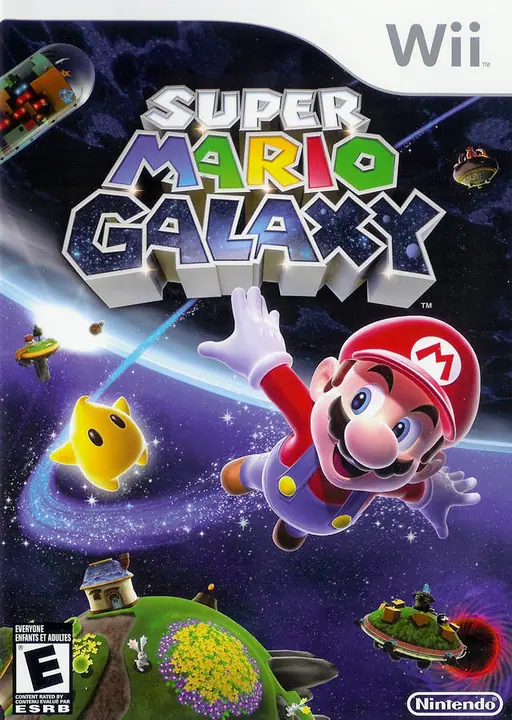
PC에서 슈퍼 마리오 갤럭시를 실행하는 에뮬레이터는?
Switch 마리오에 공식 에뮬레이터가 없을 때 만나는 Wii 마리오입니다. 포인터는 게임의 일부이고, 마우스로 대신합니다.
Dolphin부터 시작하세요. 기준이지, 프레임 속도 약속이 아닙니다.
Dolphin runs Super Mario Galaxy on a light PC. Map the pointer to a mouse, or use a Wii remote you already own, before you judge the frame pacing.
알려진 문제
- The pointer is part of the game. Keyboard-only play feels worse than the emulator’s actual performance.
- If an effect flashes, change Dolphin’s graphics backend before you raise the internal resolution.
조작과 세이브
Mouse for the pointer and a gamepad for movement is the usual PC layout.
Keep the in-game save. Save states are a convenience between emulator versions, not the archive.
관련 게임
이어서 읽기
How to read a compatibility note
What playable, issues, experimental, and no-official-emulator actually mean, and why this site skips frame rates.
Download the emulator, not a pack
How to leave EmuAtlas for an official build, and which download pages to close.
Controllers, pointer controls, and saves
Map a normal gamepad, deal with Wii pointers, and keep an in-game save you can actually trust.
Make it smoother without a parts list
Resolution, shader stutter, CPUs, and the order to change settings so you can tell what helped.