닌텐도 DS · 2009
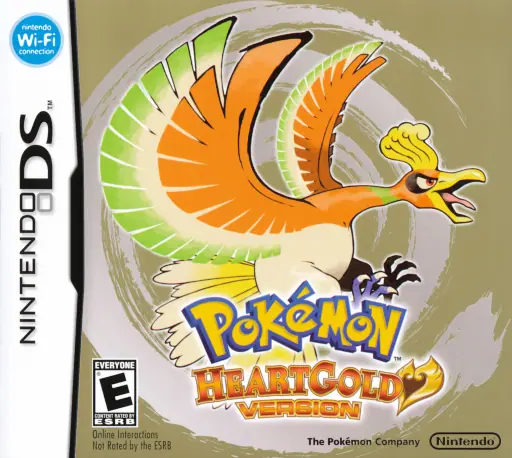
PC에서 하트골드를 실행하는 에뮬레이터는?
아주 흔한 DS 검색입니다. 하드웨어 요구는 가볍습니다. 두 화면은 긴 플레이를 견딜 배치가 필요합니다.
melonDS부터 시작하세요. 기준이지, 프레임 속도 약속이 아닙니다.
melonDS runs this DS game on a light PC. Layout of the two screens matters more than the graphics card.
알려진 문제
- Some melonDS settings ask for a DS BIOS from a console you own. That file is not hosted here.
- A bad screen layout feels like a performance problem and is not one.
조작과 세이브
Keyboard or a gamepad both work. Put the touch screen where a mouse can reach it.
The in-game save is the one to keep across emulator updates.
이어서 읽기
How to read a compatibility note
What playable, issues, experimental, and no-official-emulator actually mean, and why this site skips frame rates.
Download the emulator, not a pack
How to leave EmuAtlas for an official build, and which download pages to close.
Controllers, pointer controls, and saves
Map a normal gamepad, deal with Wii pointers, and keep an in-game save you can actually trust.
Make it smoother without a parts list
Resolution, shader stutter, CPUs, and the order to change settings so you can tell what helped.
경계
EmuAtlas는 에뮬레이터와 호환성 메모를 올립니다. 게임, ROM, 디스크 이미지, 펌웨어, 암호 키, 기술 보호를 우회하는 도구는 올리지 않습니다.