ニンテンドー3DS · 2011
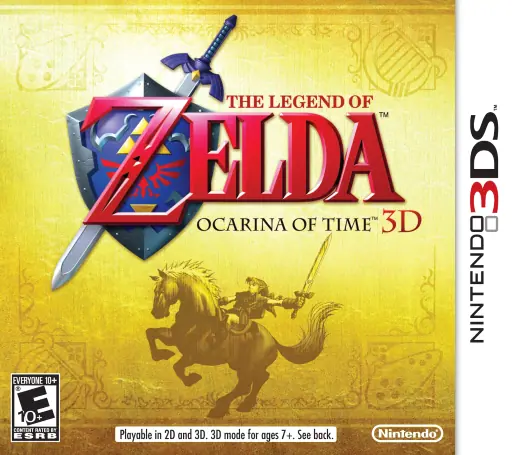
PCで『時のオカリナ 3D』を動かすエミュレータは?
Switch エミュレータなしでゼルダを探す人が見る 3DS リメイクです。普通のモニターに裸眼立体視のスライダーは要りません。
Azahar から始めてください。基準であって、フレームレートの約束ではありません。
Azahar is the 3DS emulator for this remake. A mid-range PC is the comfortable class. The glasses-free 3D effect does not carry over to a normal monitor.
既知の問題
- Leave texture and resolution tweaks off until a cutscene no longer stutters.
- If our note and the project’s own list disagree, believe the project.
操作とセーブ
A standard gamepad matches the 3DS face buttons well enough. The second screen is mostly maps and items.
Use the in-game save. Do not import a save file from a random upload.
次に読む
How to read a compatibility note
What playable, issues, experimental, and no-official-emulator actually mean, and why this site skips frame rates.
Download the emulator, not a pack
How to leave EmuAtlas for an official build, and which download pages to close.
Controllers, pointer controls, and saves
Map a normal gamepad, deal with Wii pointers, and keep an in-game save you can actually trust.
Make it smoother without a parts list
Resolution, shader stutter, CPUs, and the order to change settings so you can tell what helped.