GameCube · 2004
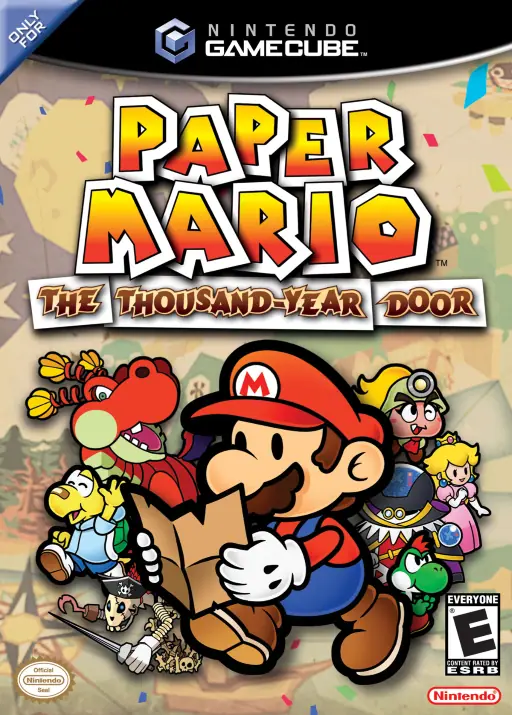
Which emulator runs The Thousand-Year Door on PC?
Dolphin runs the GameCube RPG on a light PC. Turn-based fights matter more than a higher internal resolution. The later remake is not this note.
Start with Dolphin. This is a baseline, not a frame-rate promise.
Dolphin runs The Thousand-Year Door on a light PC. Battles are turn-based, so a missed frame matters less than a stable scene.
Known issues
- Some paper effects can flicker if you stack enhancements. Undo the last one.
- The later remake is not this note.
Controls and saves
A standard gamepad is enough.
Use the in-game save. A save state can fail after an emulator update.
Read next
How to read a compatibility note
What playable, issues, experimental, and no-official-emulator actually mean, and why this site skips frame rates.
Download the emulator, not a pack
How to leave EmuAtlas for an official build, and which download pages to close.
Controllers, pointer controls, and saves
Map a normal gamepad, deal with Wii pointers, and keep an in-game save you can actually trust.
Make it smoother without a parts list
Resolution, shader stutter, CPUs, and the order to change settings so you can tell what helped.