PlayStation 2 · 2006
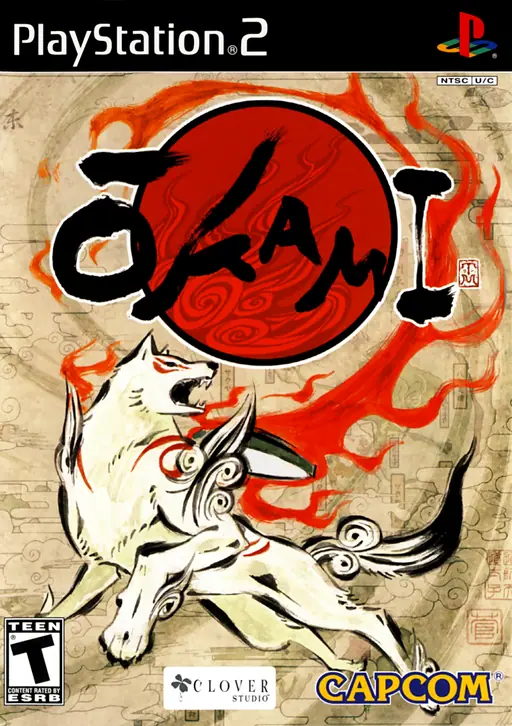
Which emulator runs Ōkami on PC?
PCSX2 runs the PS2 Ōkami on a mid-range PC. The celestial brush is an analog stick, not a touch screen. Ink washes that look wrong are a reason to undo the last graphics change.
Start with PCSX2. This is a baseline, not a frame-rate promise.
PCSX2 runs the PS2 Ōkami on a mid-range PC. Draw with the analog stick, not a mouse, unless you have bound it that way.
Known issues
- A brush stroke that misses is usually the stick binding.
- If an ink wash looks wrong, undo the last graphics change.
Controls and saves
A gamepad with a stick covers the brush. You do not need a touch screen.
Use the in-game save. A save state can fail after an emulator update.
Read next
How to read a compatibility note
What playable, issues, experimental, and no-official-emulator actually mean, and why this site skips frame rates.
Download the emulator, not a pack
How to leave EmuAtlas for an official build, and which download pages to close.
Controllers, pointer controls, and saves
Map a normal gamepad, deal with Wii pointers, and keep an in-game save you can actually trust.
Make it smoother without a parts list
Resolution, shader stutter, CPUs, and the order to change settings so you can tell what helped.