PlayStation 3 · 2011
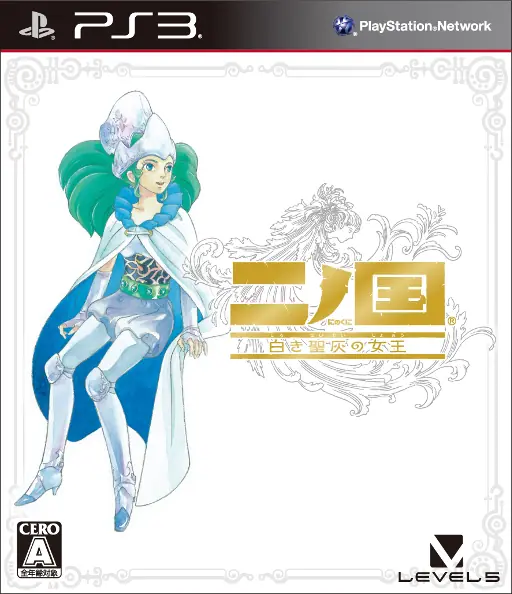
Can my PC run Ni no Kuni on RPCS3?
RPCS3 runs this PS3 RPG on a high-end PC. Familiar fights are not a frame-rate promise. Read the project wiki for that game before you change hardware.
RPCS3 is the emulator to try. Read the issues before you change hardware.
RPCS3 runs Ni no Kuni on a high-end PC. Read that game’s wiki page before you change hardware.
Known issues
- A familiar fight is not a frame-rate promise.
- Shader compilation in a new area is normal.
- The commercial game is not hosted here.
Controls and saves
A standard gamepad is enough.
Use the in-game save. A save state can fail after an emulator update.
Read next
How to read a compatibility note
What playable, issues, experimental, and no-official-emulator actually mean, and why this site skips frame rates.
Download the emulator, not a pack
How to leave EmuAtlas for an official build, and which download pages to close.
Files a console emulator may ask for
When a BIOS, firmware, or hard disk is part of setup, and why those steps stay on the project site.
Controllers, pointer controls, and saves
Map a normal gamepad, deal with Wii pointers, and keep an in-game save you can actually trust.
Make it smoother before you buy hardware
Resolution, shader stutter, CPUs, and the order to change settings so you can tell what helped.