PlayStation · 1999
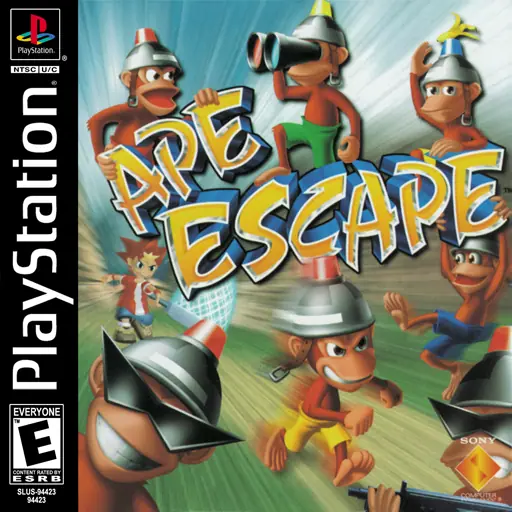
Which emulator runs Ape Escape on PC?
DuckStation runs the PS1 original on a light PC. The net and the gadgets are face buttons. A later remake is not this note.
Start with DuckStation. This is a baseline, not a frame-rate promise.
DuckStation runs Ape Escape on a light PC. The net is a button.
Known issues
- A later remake is not in this note.
- Step the resolution down if a background looks wrong.
Controls and saves
A standard gamepad is enough.
Use the in-game save. A save state can fail after an emulator update.
Read next
How to read a compatibility note
What playable, issues, experimental, and no-official-emulator actually mean, and why this site skips frame rates.
Download the emulator, not a pack
How to leave EmuAtlas for an official build, and which download pages to close.
Files a console emulator may ask for
When a BIOS, firmware, or hard disk is part of setup, and why those steps stay on the project site.
Controllers, pointer controls, and saves
Map a normal gamepad, deal with Wii pointers, and keep an in-game save you can actually trust.
Make it smoother before you buy hardware
Resolution, shader stutter, CPUs, and the order to change settings so you can tell what helped.